Many compliance and procurement teams evaluating due diligence software are introduced to platforms that focus primarily on search and analysis capabilities. The search is fast, the data runs deep, and the outputs look defensible. The platform performs well during evaluation, but operational gaps often become more apparent after implementation. Six months later, the gap appears. Not in the data, but in everything that happens between checks.
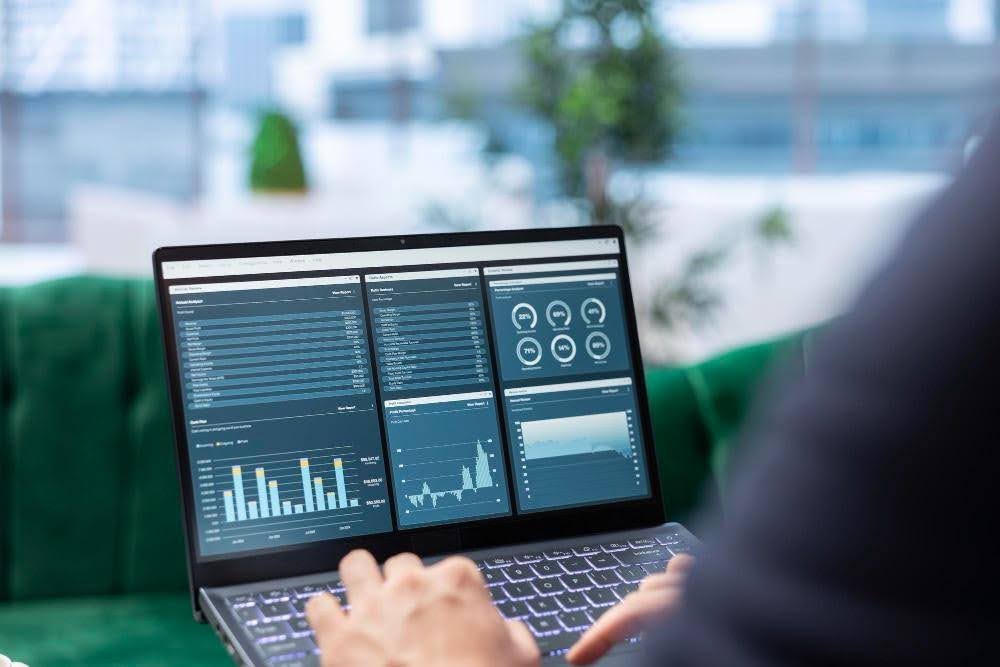
A workbench is a tool an analyst operates: search, pull records, export, compile, repeat. A workflow is a system in which intake, screening, escalation, monitoring, and the audit trail are connected, and in which the output supports a documented due diligence process rather than requiring analysts to manually consolidate findings. That distinction does not show up on a demo screen. It shows up in the hours spent moving findings into customer records, the calendar reminder for the next refresh, and the exception that sat unrouted for three days because no one owned it.
For compliance, risk, and procurement teams, the right due diligence software is not the one with the deepest search interface. It is the one whose workflow holds together from intake to ongoing monitoring without manual stitching in between.
Why the Workbench-Workflow Distinction Matters
Workbenches demo well. They surface data depth, search speed, and visual outputs. What they do not demo is the post-search process, and that is where the distinction between the two models actually lives.
In a workbench, every step after the search is manual. An analyst runs the check, takes the result, moves it into a customer record, schedules the next review, and routes any exception that needs a second look. The tool produced data. The analyst produced the process. When workloads increase, staff change, or regulators request supporting documentation, manual processes can become more difficult to manage consistently. The analyst does, if they are still there.
A workflow handles the steps in between. Not because it removes the analyst, but because it connects intake to screening to escalation to monitoring in a way that produces a defensible record by default rather than requiring someone to reconstruct it afterwards.
The right question when evaluating any due diligence solution is not what data does this software give me access to. It is what does my team have to do after the search runs.
Five Dimensions That Separate a Workbench From a Workflow
The workbench-workflow distinction is not abstract. It shows up in five specific places, each one a step in the due diligence process where manual work either accumulates or disappears.
Data Integration
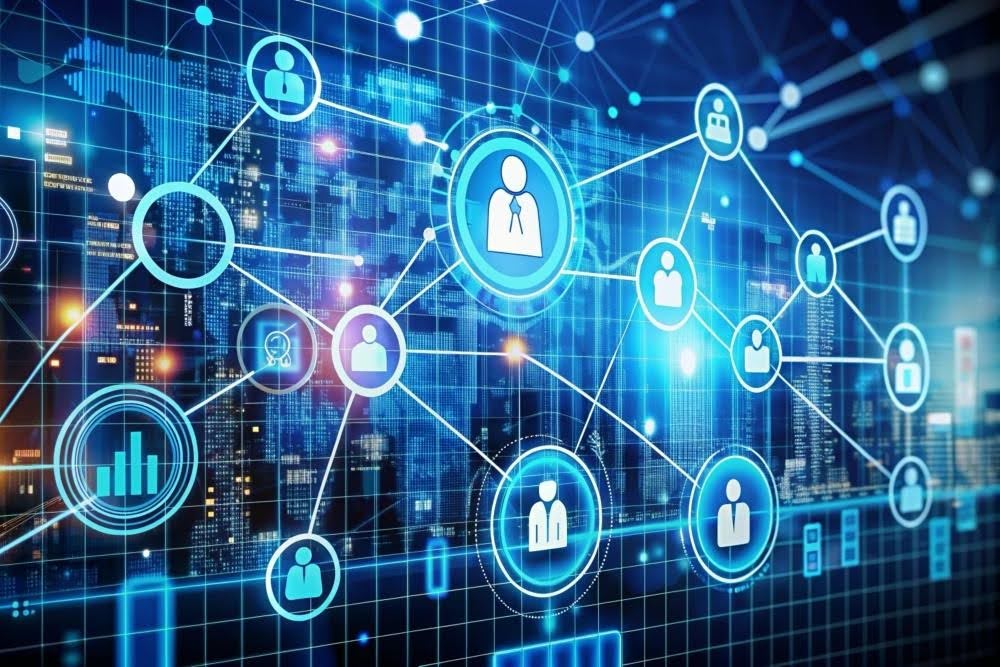
Most workbenches pull from one source at a time. The analyst runs a registry check, then a sanctions check, then a PEP check, then an adverse media search, and reconciles the results manually. A workflow aggregates registry data, sanctions and PEP lists, adverse media, litigation records, and enforcement history into a single subject record. This is where workflow automation can help reduce manual cross-referencing and improve consistency across the due diligence process.
Automation Depth
Every check in a workbench model begins when an analyst decides to run it. Triggers, schedules, and rules change that. A workflow initiates checks at onboarding, on a defined cadence, and in response to changes in source data, without anyone needing to log in first. Advanced analytics and automation capabilities can support functions such as entity resolution, document processing, and risk prioritisation. The analyst’s role shifts from finding to deciding.
Monitoring Cadence
A point-in-time check satisfies onboarding. It does not satisfy the ongoing obligation. Between one periodic review and the next, ownership changes, a director is charged, or a regulatory action lands in a market the team does not read closely. Continuous monitoring closes that gap: alerts on UBO changes, new litigation, and material filings surface without anyone logging in to rerun the search. The difference between a solution focused solely on onboarding and one that supports ongoing due diligence lies in its ability to monitor material changes over time.
Audit Readiness
A workbench produces a report. What a regulator or auditor needs is an evidence trail: search parameters, data sources, timestamp, reviewer, and disposition, recorded in a form that can be filed into a customer record without rework. When a file is challenged, the difference between a confident answer and a remediation project often comes down to whether the system produced that trail by default or required someone to reconstruct it after the fact.
Team Scalability
Adding headcount scales a workbench. A workflow scales differently: Routine, lower-risk cases can be streamlined through configured workflows, allowing analysts to focus on more complex reviews and exceptions. This is what due diligence management software actually manages, not what each analyst can find, but how work moves through the team when the volume or complexity is more than any single analyst can hold.
What This Means for Buyers
The questions that reveal whether a platform is a workbench or a workflow are operational, not about data coverage. Before signing, ask:
- What does the post-search process look like?
- How does the system handle ongoing monitoring without manual intervention?
- Can the audit output be filed into a customer record without rework?
- How does the system route exceptions, and who owns the disposition?
The responses should demonstrate not only the platform’s features but also how those capabilities support an end-to-end due diligence workflow. A vendor that answers them in terms of process is describing a workflow.
The Handshakes Approach
Handshakes supports end-to-end due diligence workflows through a combination of corporate intelligence, relationship mapping, ongoing monitoring, and managed services.
The Handshakes APP provides the search and mapping layer: direct access to official-source corporate registry data covering more than 4.6 million companies, UBO visualisation, and relationship mapping across three degrees. The API and DATAMART extend this into a team’s existing systems, so a verified record does not require analysts to switch platforms to access it. Active monitoring handles the continuous layer, surfacing material changes as alerts rather than waiting for someone to rerun the search.
Where internal capacity reaches its limit, the workflow extends outward. Handshakes XPERT provides analyst-led support for high-volume or complex due diligence engagements, complementing organisations’ internal workflows. For teams who want the workflow without building the internal infrastructure to run it, KYB Services and vendor screening services provide a fully managed option.
The result is a workflow that scales from self-service to managed service, depending on the task.
Choose the Workflow, Not the Workbench
Comprehensive data coverage is an important foundation, but operational workflows are equally critical for maintaining consistent and scalable due diligence processes. What differentiates due diligence platforms is how effectively they support the entire workflow, from onboarding through ongoing monitoring and documentation.
When evaluating any due diligence software vendor, ask not what data you cover, but what workflow you enable. Explore how Handshakes supports your team from onboarding through ongoing monitoring, and what that workflow looks like at the scale and complexity your programme demands.